

Dashboard cards
A dashboard grid (the Dashboard grid object on a screen, or a dashboard of the Dashboard workspace) holds cards. Click a palette item or an empty cell to add a card, double-click it for its settings.
| Object | Name | What it is for |
|---|---|---|
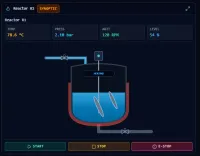 | Batch reactor card | A batch reactor on one card: the vessel with its live level, temperature, pressure and agitator speed, the feed and discharge valves, the heater and the batch state, and START, STOP and E-STOP buttons. |
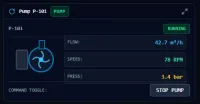 | Centrifugal pump card | A pump on one card: the pump drawing with its running state, the flow, the speed and the discharge pressure, and one command button. |
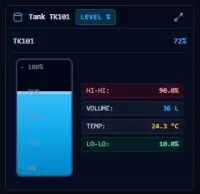 | Storage tank card | A storage tank on one card: the level drawn in the tank, the volume and the temperature, with HI-HI and LO-LO lines drawn as display marks. |
 | PID controller card | A control loop on one card: PV, setpoint and output as bars and numbers, the mode (MAN, AUTO, CAS) highlighted from the mode tag, mode buttons and a setpoint field. |
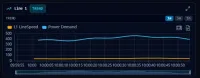 | Trend card | A trend of up to four tags on a card, over a time window from 30 seconds to 24 hours. |
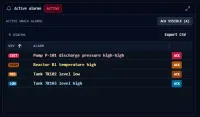 | Alarm summary card | The active alarms on a card: priority badge, alarm, value and state, most urgent first, with an ACK button on each unacknowledged alarm and an ACK VISIBLE (n) button. |
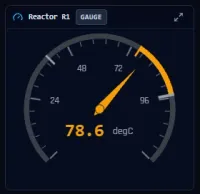 | Radial gauge card | A radial dial that fills the card, drawn by the same engine as the gauge: grey while the value is normal, the alarm colour only in an alarm band, a Bad, Uncertain or stale value hatched and labelled. |
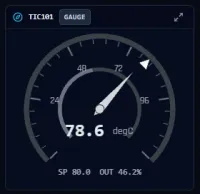 | Gauge card | Any kind of the gauge on a card: progress arc, ring, zoned dial, multi-pointer (PV, SP, OUT), level bar, bullet with a target, or sparkline. |
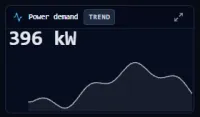 | Sparkline card | The current value over a small trend of the last minutes, filled from the historian when the card opens. |
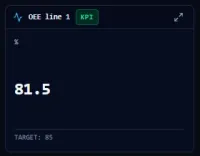 | KPI card | One value, large: its unit, its quality, the change over the last 15 minutes to 24 hours (from the historian) and an optional target. |
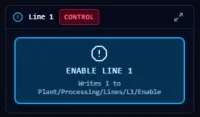 | Push button card | A button on a card that writes 1 to its output tag when pressed, with a line of text under it that says what pressing it does. |
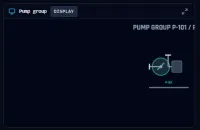 | Display card | One of your screens, running live inside a card and scaled to fit it: put a small overview screen, a pump faceplate screen or a P&ID next to the KPIs of a dashboard. |
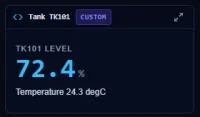 | Custom card | A card you write yourself: HTML, SVG, CSS and JavaScript, run in a sandboxed frame. |