

Use server files from screens
Migrated page, not yet verified against the current code. Treat values, paths and examples as indicative until this notice is removed.
Operators save shift reports from a screen into D:\eax\shift-reports on the server; supervisors and engineers may also write there; nobody may delete. Screens can reach only that folder, only .csv and .pdf files, and every read and write is recorded with the file’s SHA-256.
Before you start
Section titled “Before you start”- You are an Administrator: only administrators define roots.
- The folder exists on the server. It cannot be a whole drive, the server’s
data,configor program folder, or overlap another root. On a high-availability pair, create it on both nodes: the roots are replicated, the files are not. - Edition: Free has no server files; Starter one root (the first); Pro and Enterprise any number.
1. Define the root
Section titled “1. Define the root”-
Open Security → Server files and click New root.
-
Fill it in:
Field Example Meaning Name shift-reportsthe name scripts use: lower-case letters, digits, -and_Folder on the server D:\eax\shift-reportsan absolute path; only administrators see it Operations list, read, write writealso creates folders;deletestays off unless you need itRead roles Shift_Operator, Process_Supervisor, Lead_Engineer who may list and read Write roles Process_Supervisor, Lead_Engineer who may write and create folders Delete roles none File types .csv,.pdfrequired: there is no “any”; program and page types ( .exe,.ps1,.js,.html,.svg…) are never acceptedLargest file / quota 10 MB / 500 MB -
Save. The change is recorded in the audit trail with the root before and after.
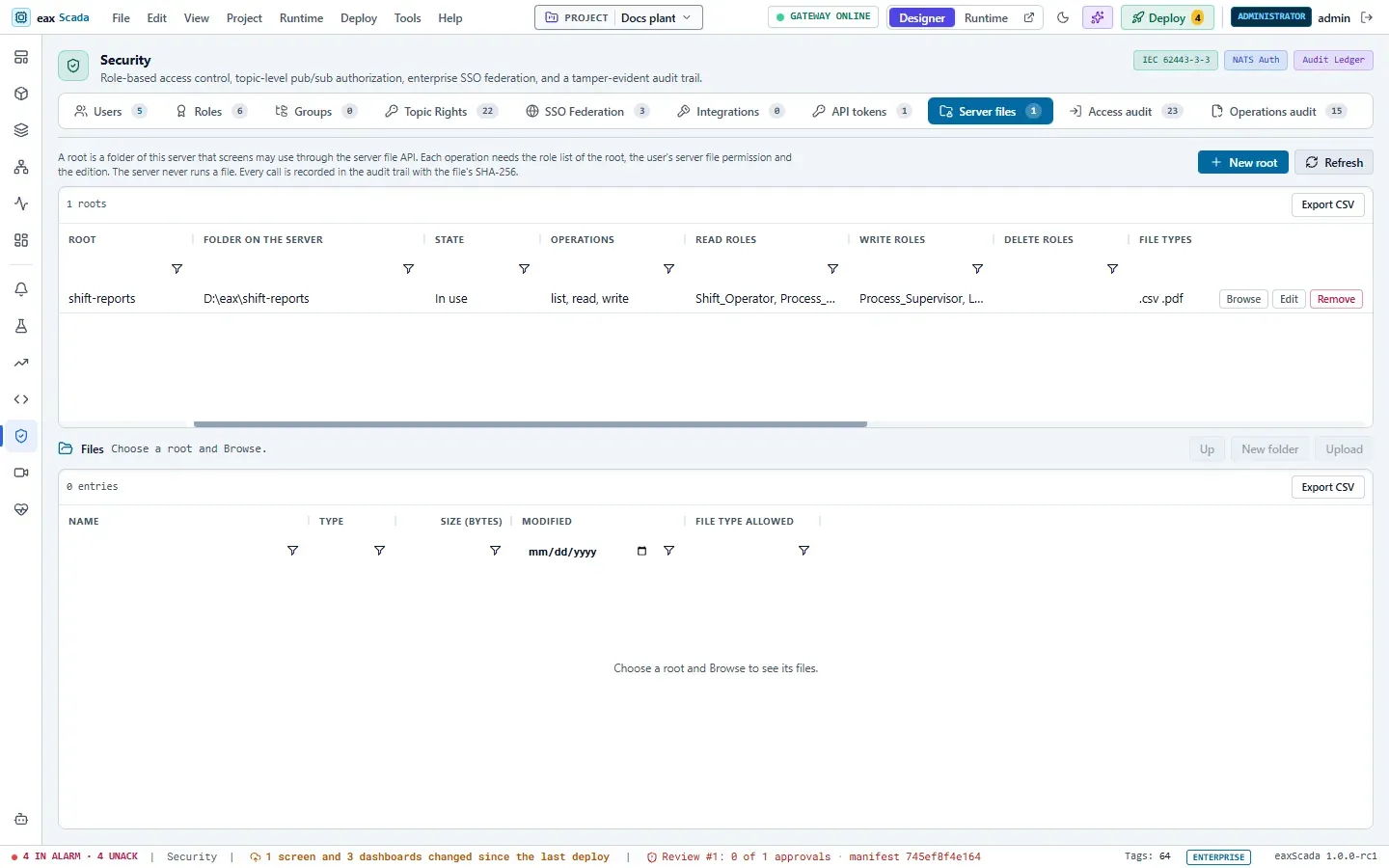
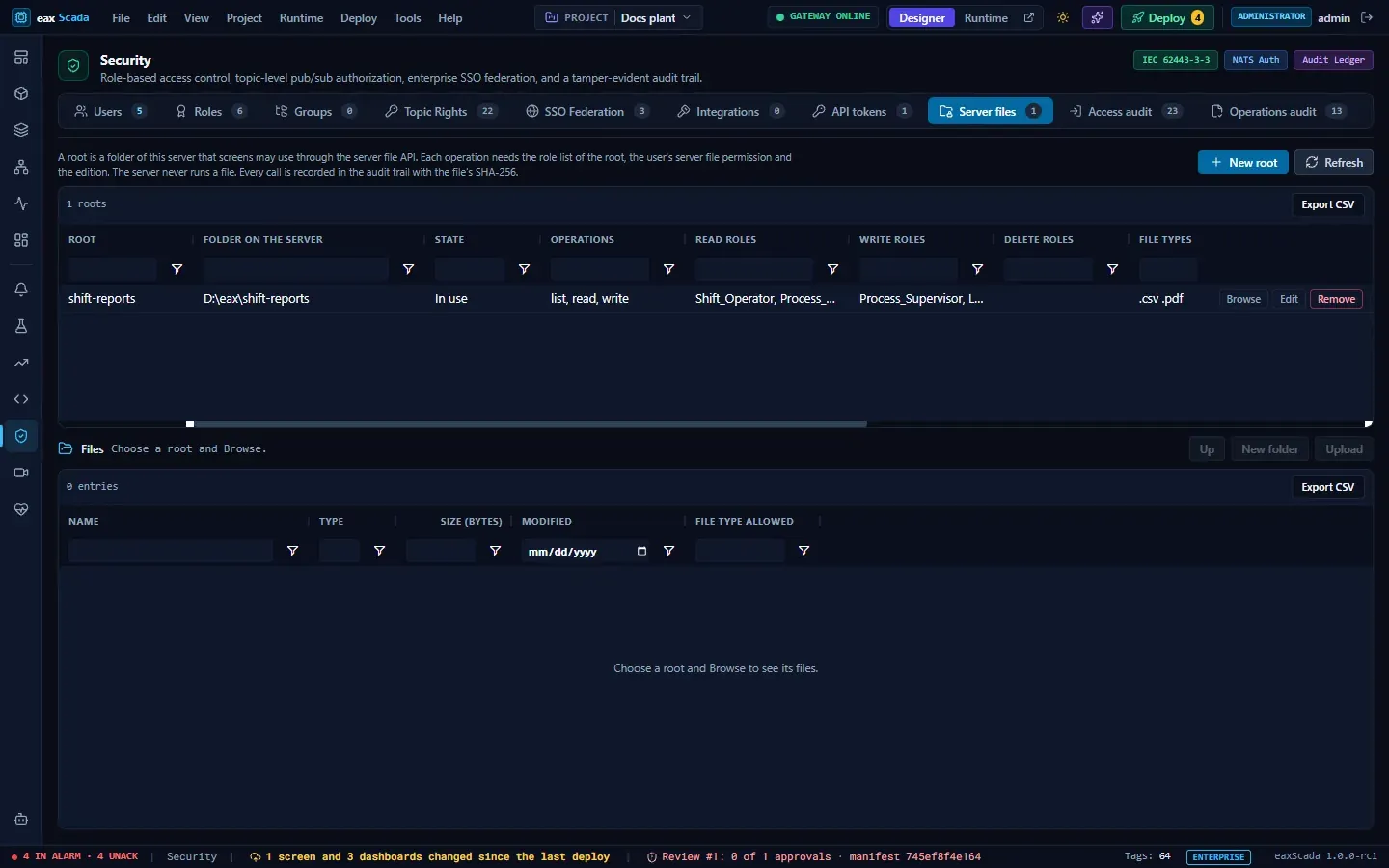
A role that is not listed for an operation is refused it, the Administrator included: add Administrator to a list to use the root yourself. Browse shows the root’s files.
2. Use it from a screen
Section titled “2. Use it from a screen”return (async () => { const roots = await system.file.server.roots(); // the roots you may use const page = await system.file.server.list('shift-reports', ''); // one page of the folder await system.file.server.write('shift-reports', 'notes.csv', 'time,note\n', { overwrite: true }); await system.file.server.download('shift-reports', 'notes.csv'); // through the browser's save dialog})();See Script a screen for a complete shift-report button, and the Server files API for every route.
What the server refuses
Section titled “What the server refuses”Each call is checked in this order; the first failure refuses it:
- more than 20 calls a second per user (
429); - the AI assistant, an AI co-pilot account or an MCP client: always refused;
- the edition;
- the permission
server_files.list/stat/read/write/delete/mkdir(an explicit deny wins; without a rule, Shift_Operator and above may list, read, write and create folders, Process_Supervisor and above may delete); - the root: it allows the operation and lists one of your roles;
- the path: no absolute or drive path, no
.., no hidden name, no device name, no link that leaves the root; the file type; - a standby node refuses writes (
503).
The server never runs a file and never changes file permissions. An error names the root and the relative path, never a folder of the server.
Every call writes one record (category SERVER_FILES): the user from the session, the root, the path, the operation, the size, the SHA-256 of the bytes and the result. Security → Operations audit shows them.