

Activate a licence
Migrated page, not yet verified against the current code. Treat values, paths and examples as indicative until this notice is removed.
Without a licence eaxScada runs the Free edition. It has every feature for evaluation and non-production use, but its runtime runs in 60-minute sessions (see The Free edition’s runtime sessions). A licence file turns a server into Starter, Pro or Enterprise at once, without a restart.
You can activate a licence at any time, including while a Free session has stopped the runtime: the studio and the licence dialog stay available.
What a licence file is
Section titled “What a licence file is”eaxware sends the licence as a file named licence.json. It holds:
- the licensee, the edition, and a licence id;
- the issue date, and an expiry date when the licence is not perpetual;
- two dates: support and new versions until (one year after purchase) and security updates until (five years after purchase). A licence issued with one date uses it for both;
- how many eaxScada servers it covers (a high-availability pair is two).
The file is signed by eaxware. eaxScada checks the signature offline, with keys built into the program, so the server never contacts eaxware or the internet to verify it. Any change to the file, even one character, makes it invalid. Keep the file you received: you need it again to set up another server or to reinstall.
Install the licence in the studio
Section titled “Install the licence in the studio”You need the Administrator role.
- In the studio status bar, click the edition chip (it reads FREE with the time left in the session). In the operator runtime, use the chip in the status pill, or Licence in the banner.
- Under Install a licence file, choose
licence.json. - Click Install.
The dialog shows the new edition, the licensee, the licence id, the servers covered, and both dates: Support and new versions until and Security updates until, each marked Active or Ended (see Support and security dates). The status bar chip changes at once. If the Free session had already stopped the runtime, the runtime stays stopped until someone clicks Start new runtime session. From then on it runs without a session limit.
A file that does not verify is refused, and the dialog says why. The licence already installed, if any, is kept.
Below the licence, the dialog says what the audit trail does:
| Line | When |
|---|---|
| Audit trail: recording | Starter, Pro or Enterprise, the trail takes records. |
| Audit trail: down (the cause) | Starter, Pro or Enterprise, the trail does not open or take writes; actions that must be recorded first are refused. See When the audit trail is down. |
| Audit trail: read-only (the trail kept from a paid period; nothing new is recorded) | Free, with a trail kept from a paid period. |
| Audit trail: none (Free). Starter, Pro and Enterprise record changes and commands. | Free. |
| Audit trail: none (this build has no audit trail) | A build without DuckDB. |
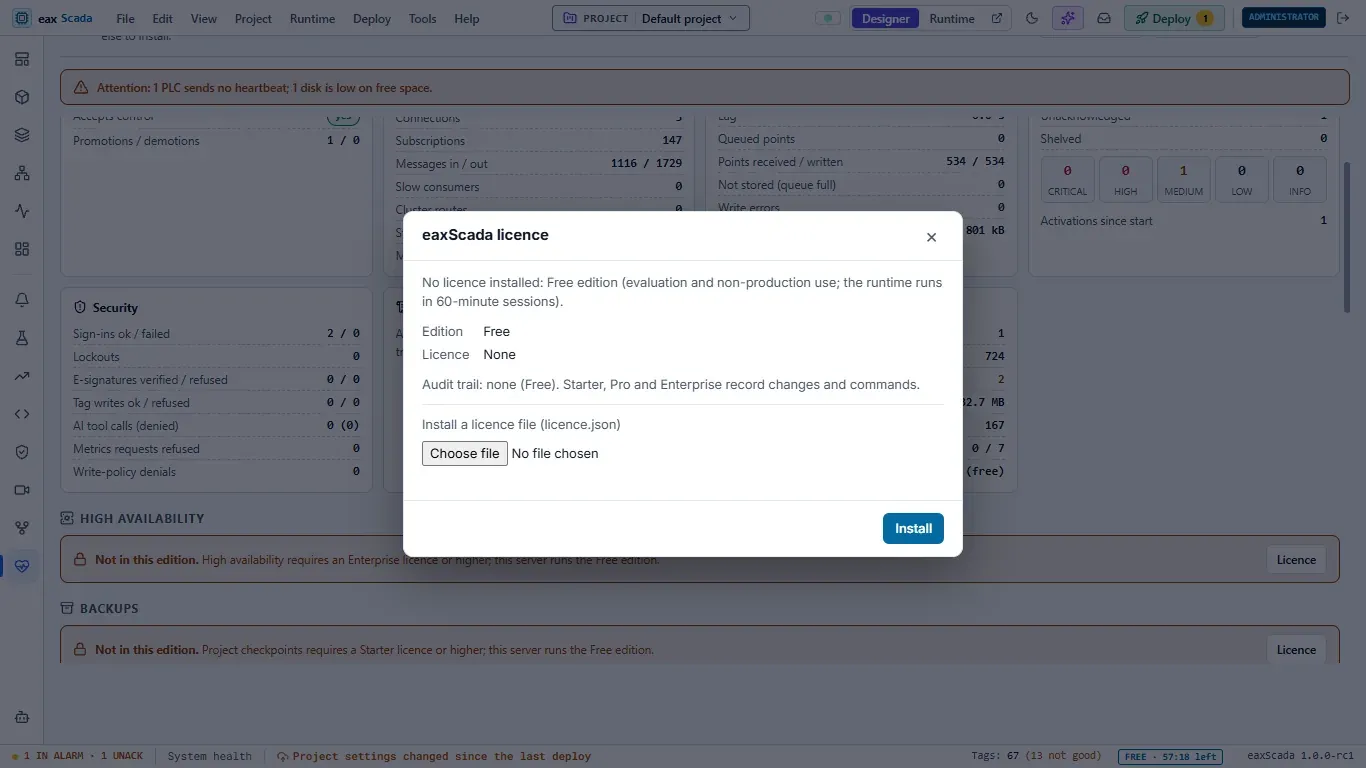
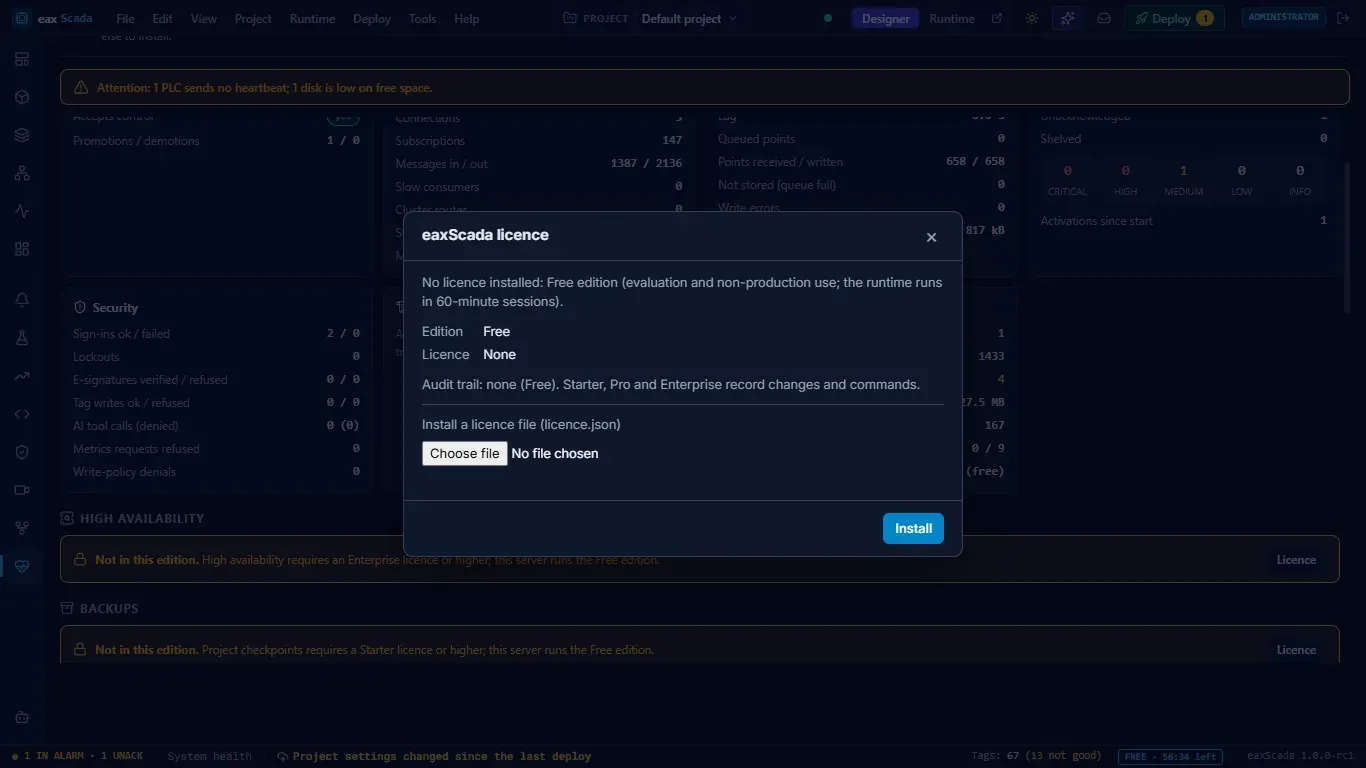
Installing a licence starts the audit trail at once. A new trail begins with its genesis record and AUDIT_TRAIL_STARTED. On a server that kept a trail from an earlier paid period, the chain continues with AUDIT_TRAIL_RESUMED, which states that no records were kept from its last record to the install (Free edition). If the trail cannot open, or its folder is refused (a network share, a RAM disk, less than 10 GB free, inside or around the historian’s folder), the licence is installed and the trail is down. See Which editions record.
Install the licence with the API
Section titled “Install the licence with the API”An Administrator’s session or token can install the file with POST /api/licence, sending the file as the request body:
curl -X POST https://scada.example/api/licence \ -H "Authorization: Bearer <administrator token>" \ -H "Content-Type: application/json" \ --data-binary @licence.json| Request | Result |
|---|---|
GET /api/licence |
The edition and the installed licence (Administrator), and audit_trail: its mode (recording, down, read_only, none), the reason when down, why (free or build) when none. |
POST /api/licence |
Verify and install the licence in the body. 422 with the reason when it does not verify. |
DELETE /api/licence |
Remove the licence. The server runs the Free edition from then on. |
GET /api/system/info shows the edition and the licence state to every signed-in user. For a valid licence, its licence object also has support_until and support_active (support and new versions), and security_until and security_active (security updates). For a licence issued with one date, security_until equals support_until. Its audit_trail has the trail’s mode (and why for none), never the reason (The trail’s state).
Copy the file instead
Section titled “Copy the file instead”You can also place the file at data/licence/licence.json under the server’s work directory before the server starts, or point licence.file in config.yaml at it. The server verifies it at start-up and logs the edition it runs.
Audit trail
Section titled “Audit trail”Every install, refused install and removal is recorded in the audit trail, with the user who did it. So is a licence that expires while the server runs, and every start and end of a Free runtime session.
When the licence is not accepted
Section titled “When the licence is not accepted”| What the dialog or log says | What to do |
|---|---|
| The licence signature does not match its content | The file was changed or damaged. Install the file exactly as received. |
| The licence is signed with a key this release does not know | The licence is newer than the release, or not from eaxware. Contact eaxware. |
| The licence has expired | Renew the licence. Until then the server runs Free. |
| The licence does not cover this release: support and updates ended | The release was built after the support date and is not a security update of a version line you are covered for. Install a release from before that date, or renew the support plan. |
| The licence does not cover this release: the version line was first released after the support date | A security update of a newer version line. Install the latest security update of a line released before the support date, or renew the support plan. |
| The licence does not cover this release: security updates ended | The release was built after the security date. Install a release from before that date, or renew the support plan. |
| The licence is bound to a machine | Contact eaxware for an unbound licence. |
In every case the server keeps running in the Free edition. It never stops because of a licence, and it never runs a production edition on a licence it cannot verify.
When a licence has an end date
Section titled “When a licence has an end date”Most licences are perpetual. Some have an end date, such as a trial key. When that date passes, the server runs the Free edition: the runtime runs in 60-minute sessions, and the paid features are off. The PLCs keep running.
A running server warns from 30 days before the end date:
| Days left | What you see |
|---|---|
| 30 to 15 | The alarm ALM-SYS-LICENCE-EXPIRING, low. |
| 14 to 8 | The same alarm, medium. Administrators also see a chip in the status bar, such as Licence: 12 d. |
| 7 to 2 | The same alarm, high. |
| The last day | The same alarm, critical. |
| Ended | The alarm ALM-SYS-LICENCE-EXPIRED, critical, and the chip Licence expired. |
Each alarm text gives the end date and says what happens after it. The server checks at start, every 10 minutes and at each licence change.
The licence dialog shows an Expires row with the days left, and a note in amber before the end or in rose after it. System Health has a Licence card with the edition, the licence, Licence ends and the days left. GET /api/system/info and GET /api/system/health report expires_at, days_left and expiry_state (ok, expiring or expired).
To clear the warning, install a renewed licence: one without an end date, or with a later one. The alarms clear at once.
The support and security dates are not end dates. They never raise these alarms and never stop a running server.
Support and security dates
Section titled “Support and security dates”A licence carries two dates. Neither one ever stops a release you already run: the licence keeps working for as long as you run it.
| Date | What it covers |
|---|---|
| Support and new versions until | Support, and every eaxScada release built on or before this date, including new versions. |
| Security updates until | Security updates (releases numbered x.y.z with z of 1 or more) of the version lines first released on or before the support date, built on or before this date. |
After the support date, keep running your version. Its security updates still install until the security date. A new version (a new x.y line) released after the support date needs a renewed support plan. A licence issued with one date covers support, new versions and security updates up to that date.
The licence dialog shows both dates, each marked Active or Ended:
- Support ended (amber): this version keeps running; new versions released after the support date need a renewed support plan. The dialog also says until when security updates continue.
- Security updates ended (rose): this version keeps running but receives no more security fixes. Renew the support plan to move to a current version.
High availability
Section titled “High availability”High availability needs an Enterprise licence that covers two servers, installed on both. Install the licence on each node, then restart them: high availability settings are read at start-up. See Upgrading a high-availability pair.