

Screen objects
Every object you can place on an eaxScada screen, one page each: what it is for, a picture of it in the operator runtime, every property with its inspector name, key, type, unit, default and allowed values, the bindings and conditions it takes, what its actions do, and worked examples.
The pictures are taken from a test project in the operator runtime (always the dark presentation: operator screens keep the colours they were designed with). The property tables are generated from the designer’s own definitions, so they list exactly what the inspector edits.
The designer palette
Section titled “The designer palette”The palette of the screen designer (Palette in the left panel), in the same groups. Several items of a group can place the same object with different settings (a gate or a globe valve): they share one page.
Not in the palette
Section titled “Not in the palette”Objects drawn on screens but placed another way: lines, paths and curves come from the drawing tools, groups from Group (Ctrl+G), component instances from the component library.
 Rectangle
 Circle
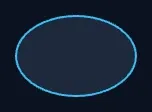 Ellipse
 Polygon
 Regular polygon
 Ring
 Arc
 Wedge
 Star
 Line
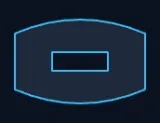 Path
 Pipe
 Curve
 Text
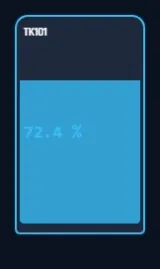 Storage tank
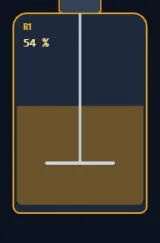 Batch reactor
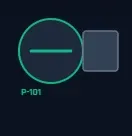 Centrifugal pump
 Control valve
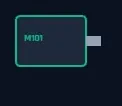 Drive motor
 Heat exchanger
 Conveyor
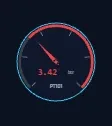 Classic dial gauge
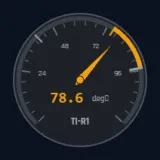 Gauge
 Transmitter
 Group
 Component instance
 Button
 Multistate indicator
 Dashboard grid
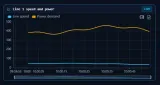 Trend chart
 Data table
 Recipe manager
 Audit trail
 Web content
 Video
 Map
 3D view
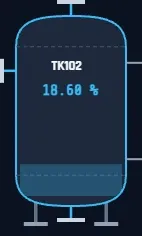 ISA vessel
 ISA valve
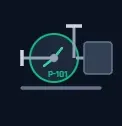 ISA pump
 ISA instrument bubble
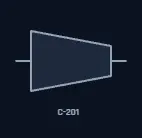 Process symbol
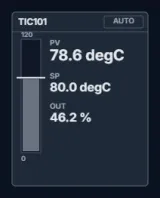 Faceplate
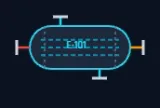 ISA heat exchanger
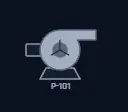 Equipment drawing
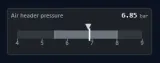 Moving analog indicator
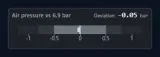 Deviation bar
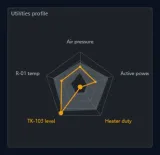 KPI star
 Sparkline with limits
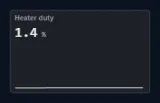 Mini-trend tile
 Alarm banner
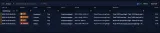 Alarm history
 Alarm summary
 Alarm counter
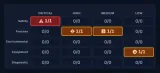 Alarm annunciator
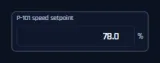 Numeric entry
 Slider
 Spinner
 Text entry
 Toggle switch
 Selector
 Record table
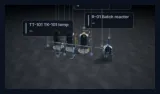 3D scene view
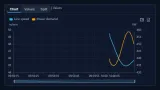 Trend with values
Dashboard cards
Section titled “Dashboard cards”A dashboard grid (the Dashboard grid object on a screen, or a dashboard of the Dashboard workspace) holds cards. Click a palette item or an empty cell to add a card, double-click it for its settings.
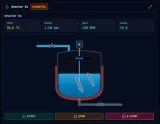 Batch reactor card
 Centrifugal pump card
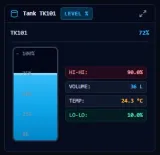 Storage tank card
 PID controller card
 Trend card
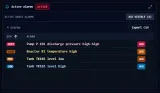 Alarm summary card
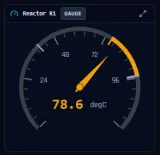 Radial gauge card
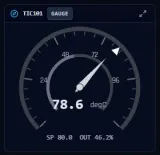 Gauge card
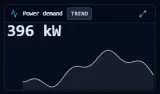 Sparkline card
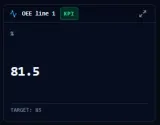 KPI card
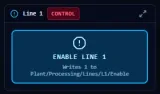 Push button card
 Display card
 Custom card
Every object on every screen
Section titled “Every object on every screen”A screen stores each object as a shape: id, type (the object’s key), layerId, props (the properties listed on each page), and optionally bindings (tag values driving properties), conditions (visibility, colour, position, size, rotation, interlock and text rules), action (what a click does) and locked. Every page lists the same cross-cutting features: object states and their styles, text styles and fonts, translation keys, screen parameters {Name}, interlocks and their behaviour on a Bad value, quality markers and design-review comments.
Also: the P&ID palette catalog (every symbol variant and the props it sets), the 3D catalog and the legacy SVG assets.
Object pages: 65, dashboard cards: 13, palette items: 0.