

Watch a value on hover
Check a variable’s value while you read the code, without opening the watch list: rest the pointer on it.
Before you start
Section titled “Before you start”The Studio is ONLINE with the PLC. Offline, the card says Offline: no live value.
Show the card
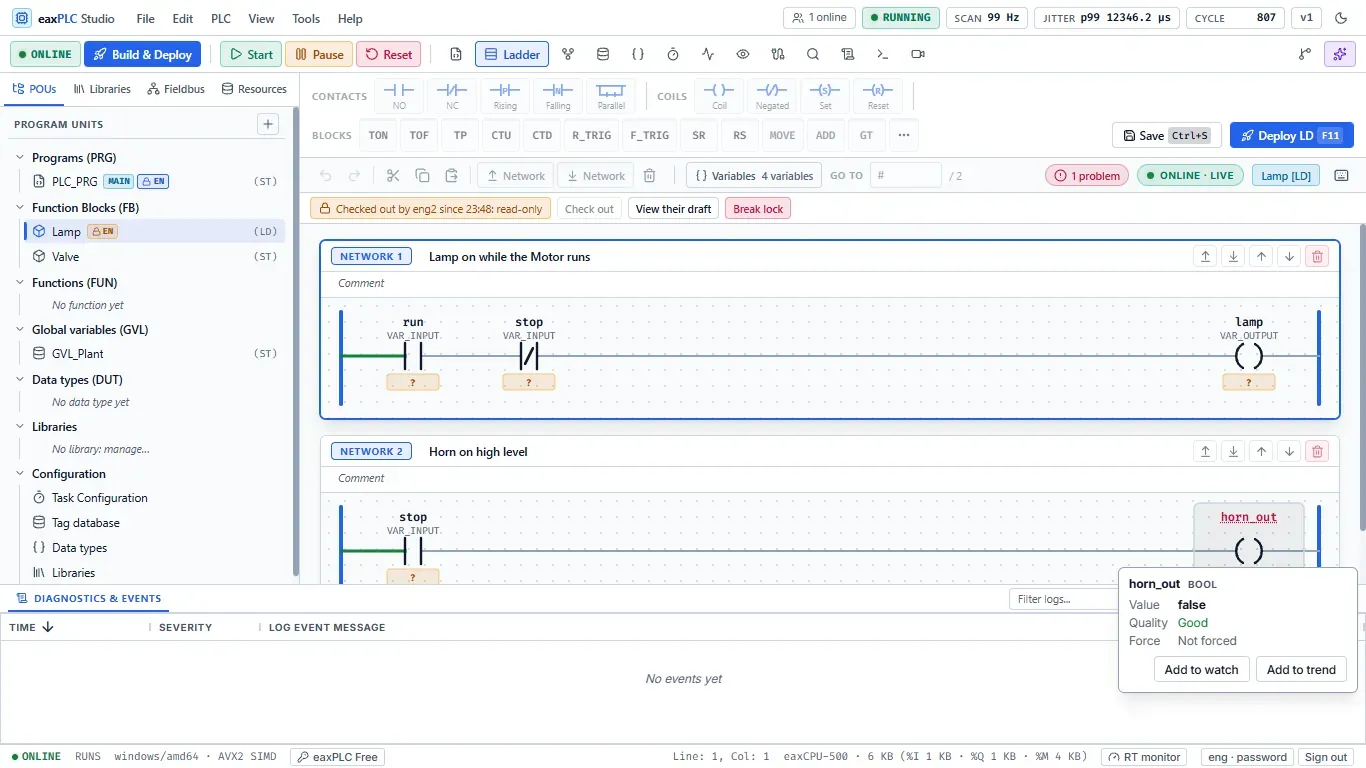
Section titled “Show the card”- ST editor (declarations or code): rest the pointer on a variable, a member path or a direct address for a moment. On a member, the card shows the path up to the part you point at:
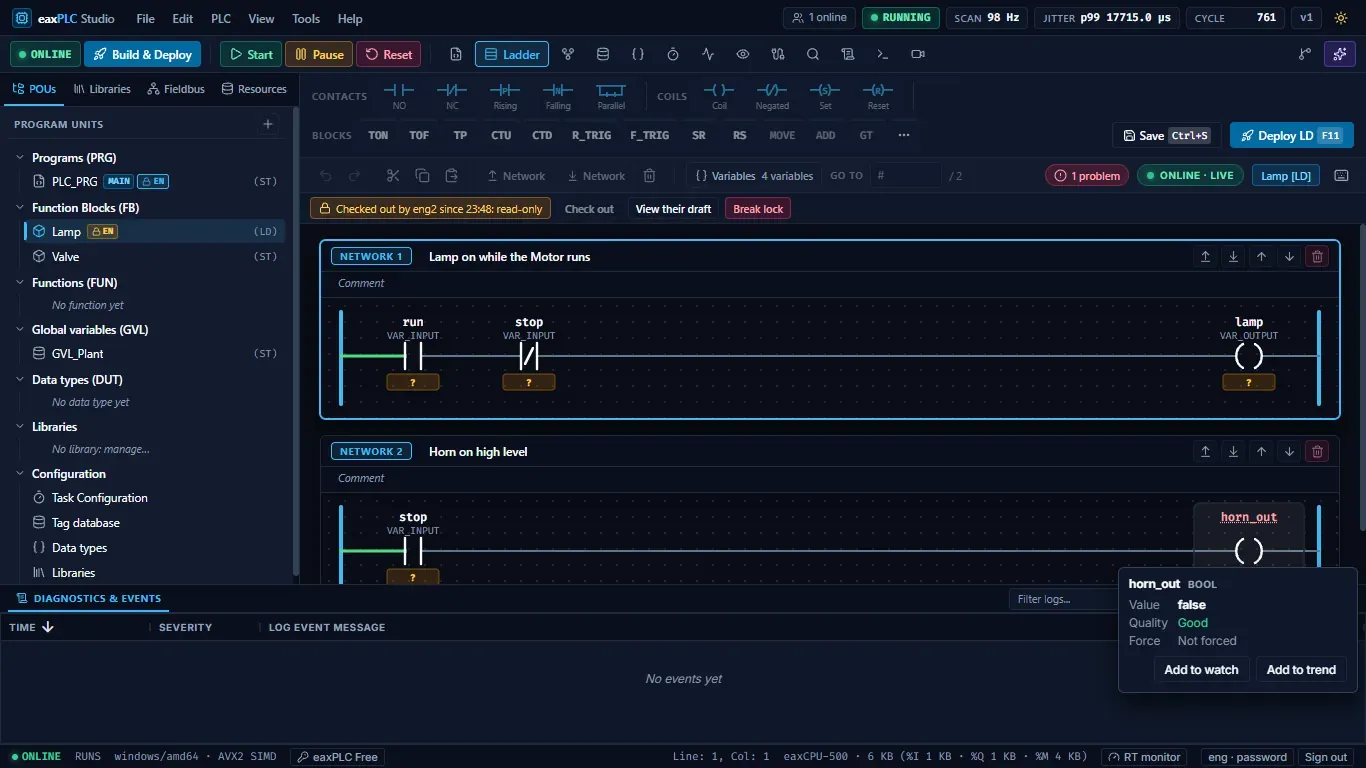
T1.QonQ,T1onT1. - Ladder: rest the pointer on a contact or a coil (its operand), a block (its instance) or a block pin (the variable assigned to it). Literals such as
TRUEshow no card.
The card shows:
| Field | Meaning |
|---|---|
| Name and type | The variable and its data type. |
| Value | The live value, refreshed four times a second while the card is open. |
| Quality | Good; Bad with the PLC’s reason; Waiting for the PLC; Offline: no live value. A value that is not Good is shown as —, never as a number. |
| Address | The direct address, for a located variable. |
| Force | FORCED with the forced value and who forced it, or Not forced. |
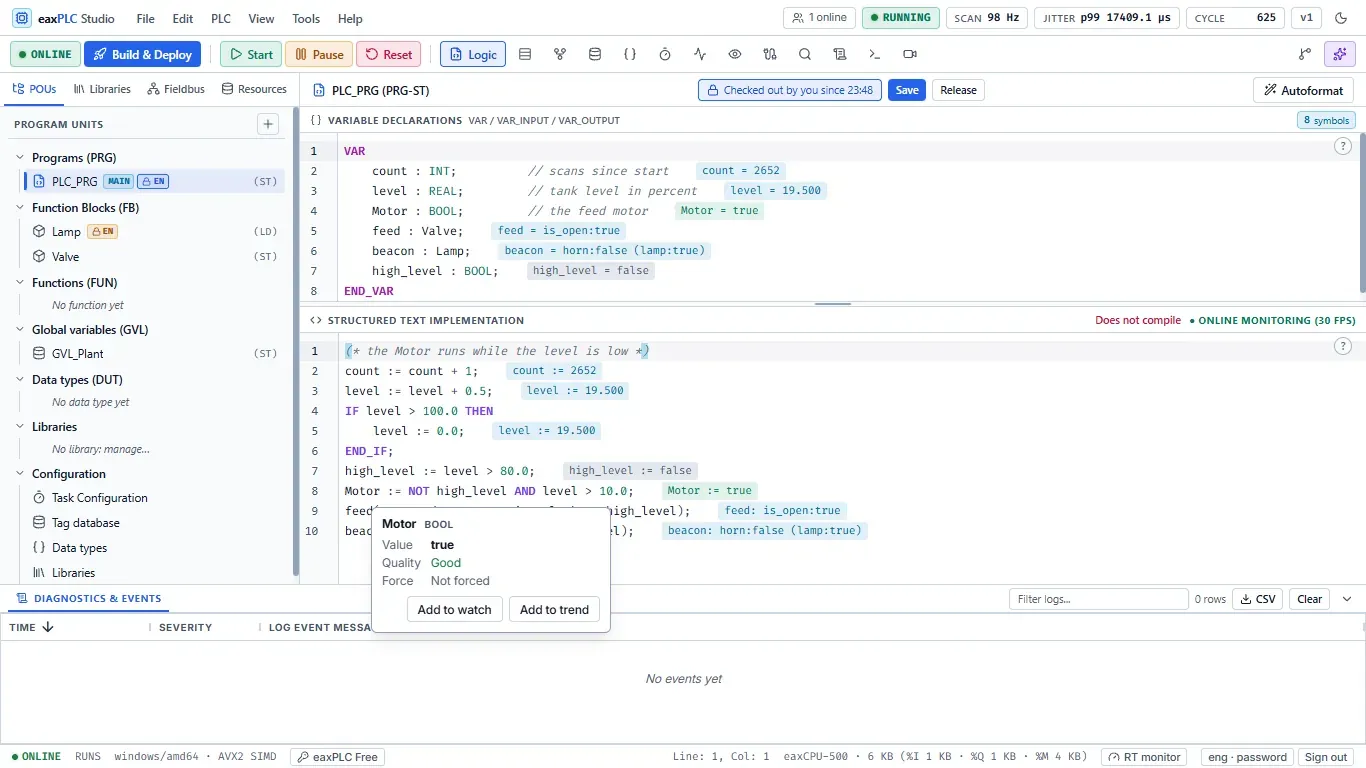
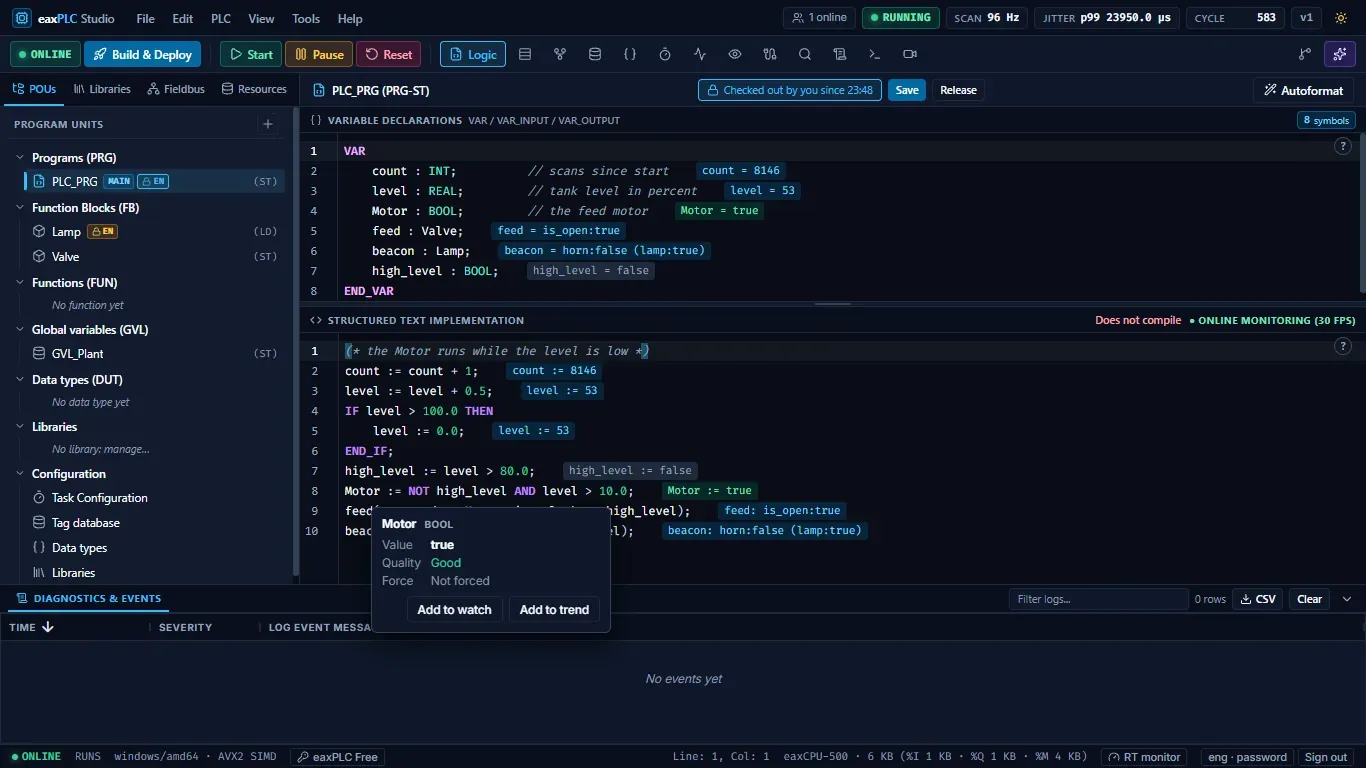
Move the pointer onto the card to use its buttons. Moving away, or Escape, closes it.
Add to watch or trend
Section titled “Add to watch or trend”- Add to watch adds the name to the watch list (members such as
T1.Qget their own row). - Add to trend adds it to the open trend set in Trends. Save the set to keep it in the project (Save trend sets).
Limits
Section titled “Limits”- Read-only. The card has no write and no force control and sends nothing to the PLC: it shows the live values the Studio already receives. To change a value use the watch list or the tag database, with their own checks.
- Function block locals. Inside a function block (FB) POU, a local variable has one value per instance, so resting on it in the FB’s own code shows no card. Point at the instance member where the block is used instead (for example
feed.is_openin the program that calls it), or add that path to the watch list. - A name the PLC does not know shows no card.